
Features
Every step of an exam, done properly
From drawing the form to the report card a family reads, with no special paper and no special scanner.
Accounts are opened by our team
There is no self sign-up: write to us, and we open your organization on its plan and send its owner a link to set a password. Its administrators invite everyone else.
01 · Form design
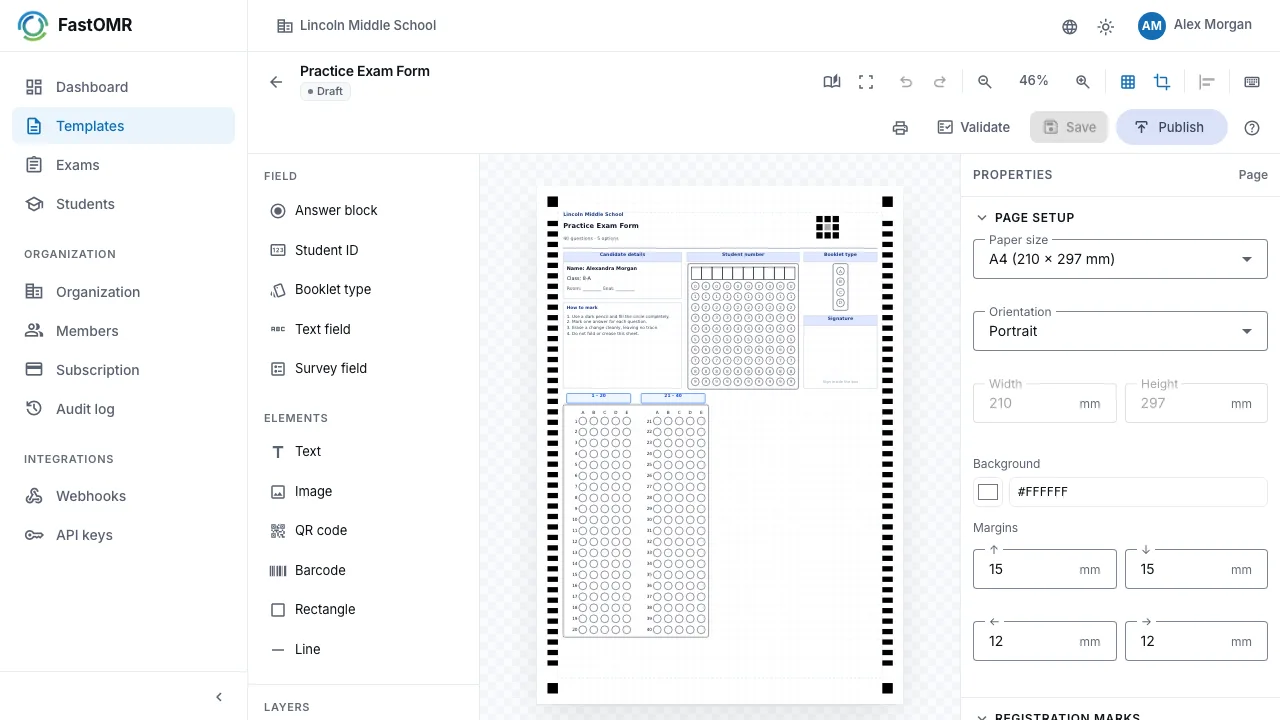
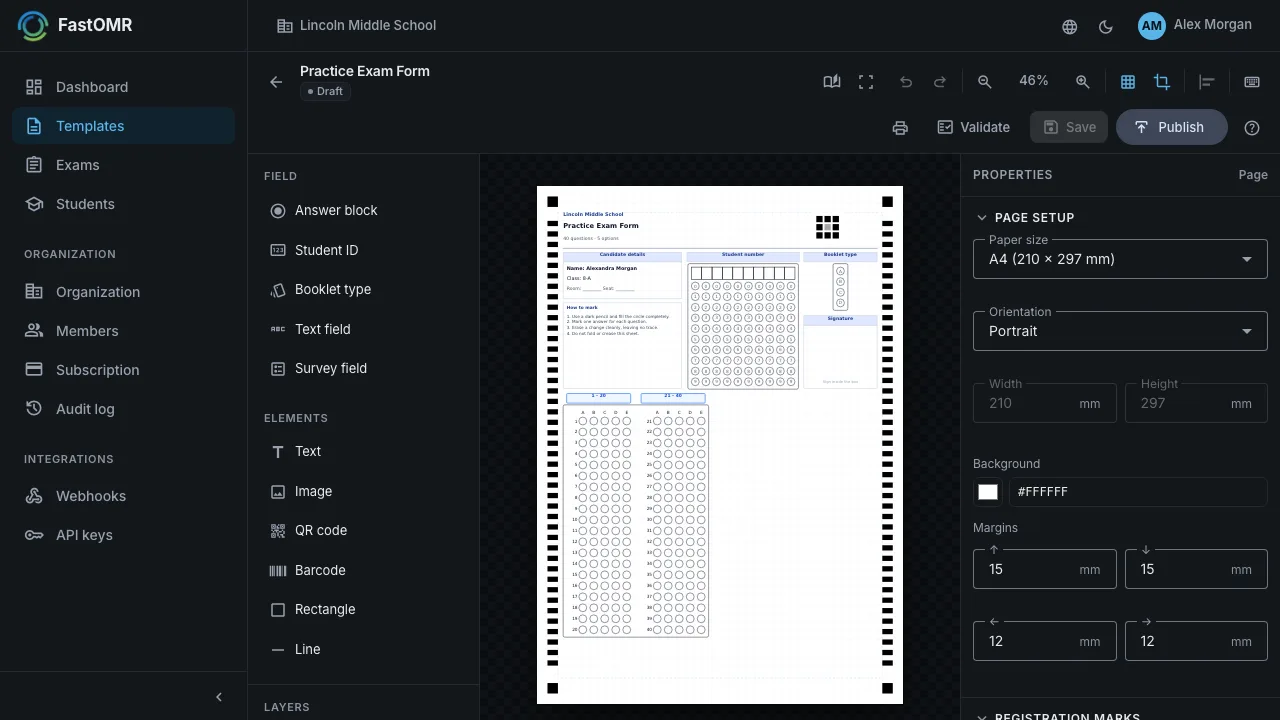
A form designer that works to the millimeter
Create answer sheets that fit your exam exactly. Position question blocks, the student number, the booklet field, instructions, your institution’s logo and barcodes with millimeter accuracy — or copy a ready-made form and change it.
- Checked before it is printed: the corner marks, the margins and the spacing of the bubbles are checked when a form is published, so a form that would not read never reaches the printer.
- Any paper size: A4, A3, A5, Letter and Legal, portrait or landscape.
- Every field an exam has: answer blocks with as many options as each question needs, true-or-false and agreement scales, student number and booklet fields, text, images, QR codes and barcodes.
- Ready-made forms: a catalog of forms in the shape of well-known exams, copied into your templates in your language and under your organization’s name.
02 · Printing
Vector PDFs with a QR code on every sheet
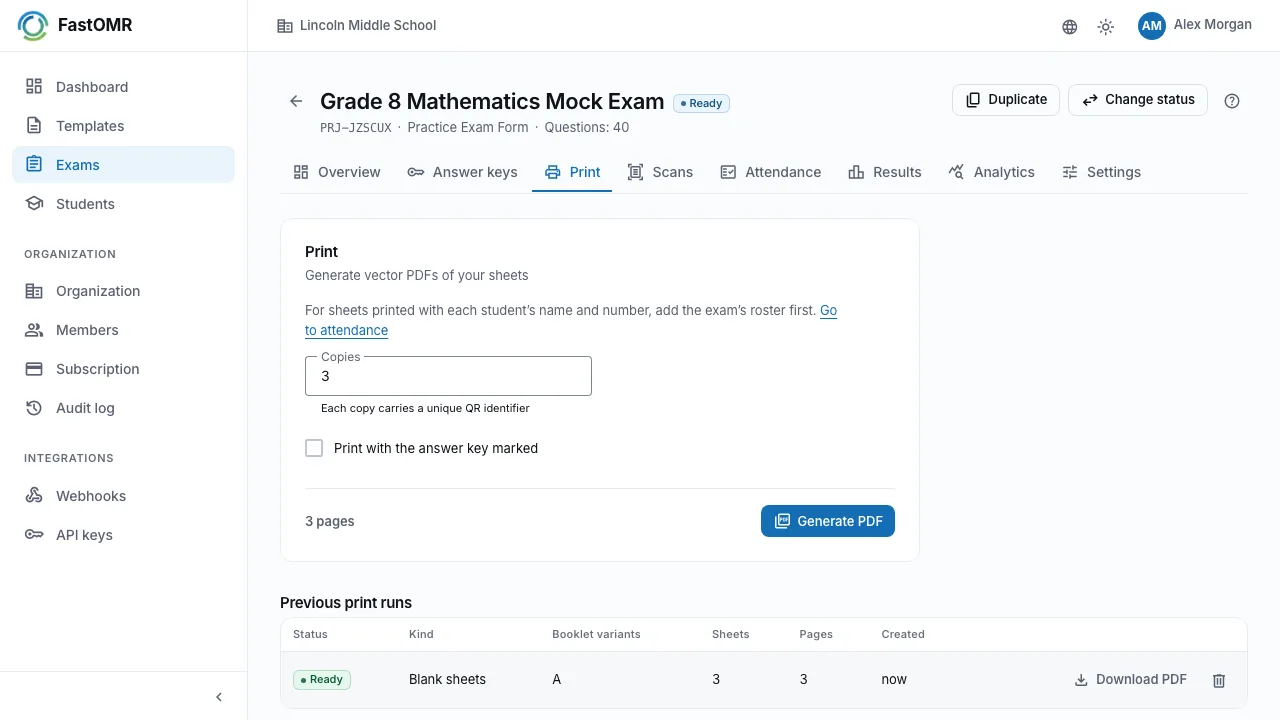
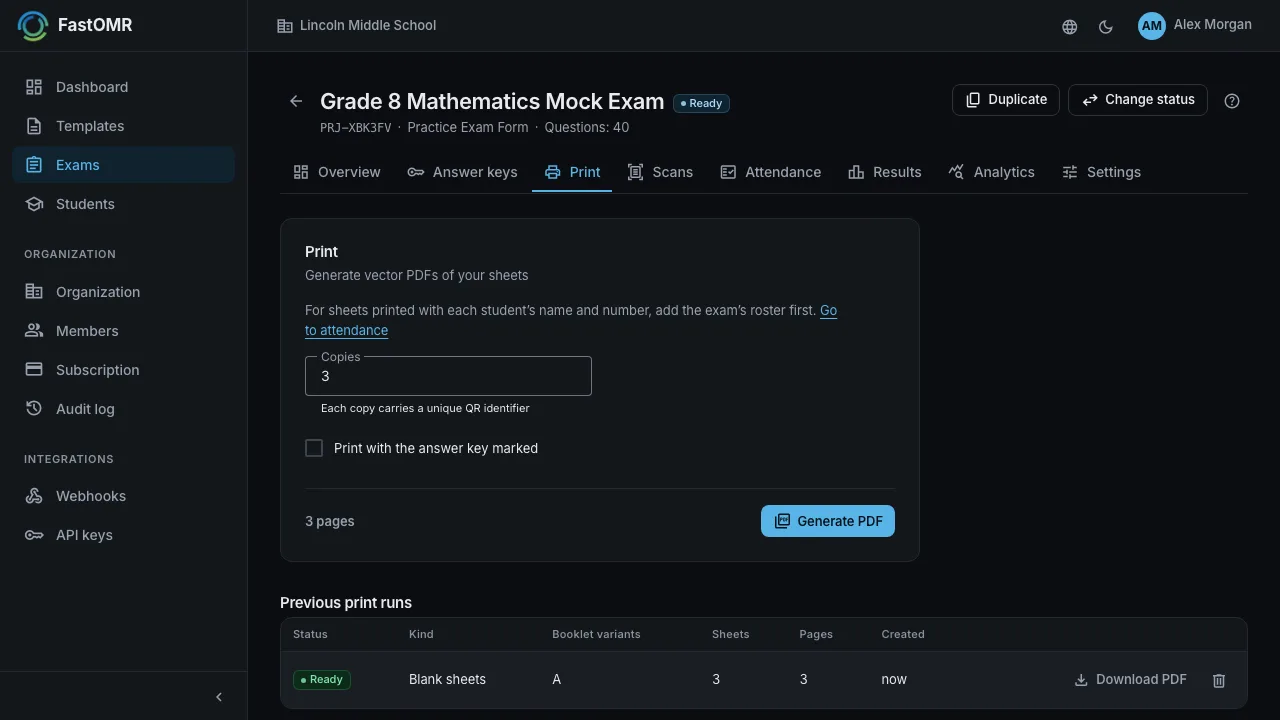
Print on any office printer, on ordinary 80 g copy paper. Every sheet is a clean vector PDF with its corner marks and a QR code of its own.
- A sheet per student: load the class list and print each student’s sheet with their name, class and number already on it.
- The QR code does the sorting: it names the exam, the booklet and the copy, so a sheet finds its exam in any order, from any stack.
- No special paper: no pre-printed optical forms and no carbon inks.
03 · Scanning and reading
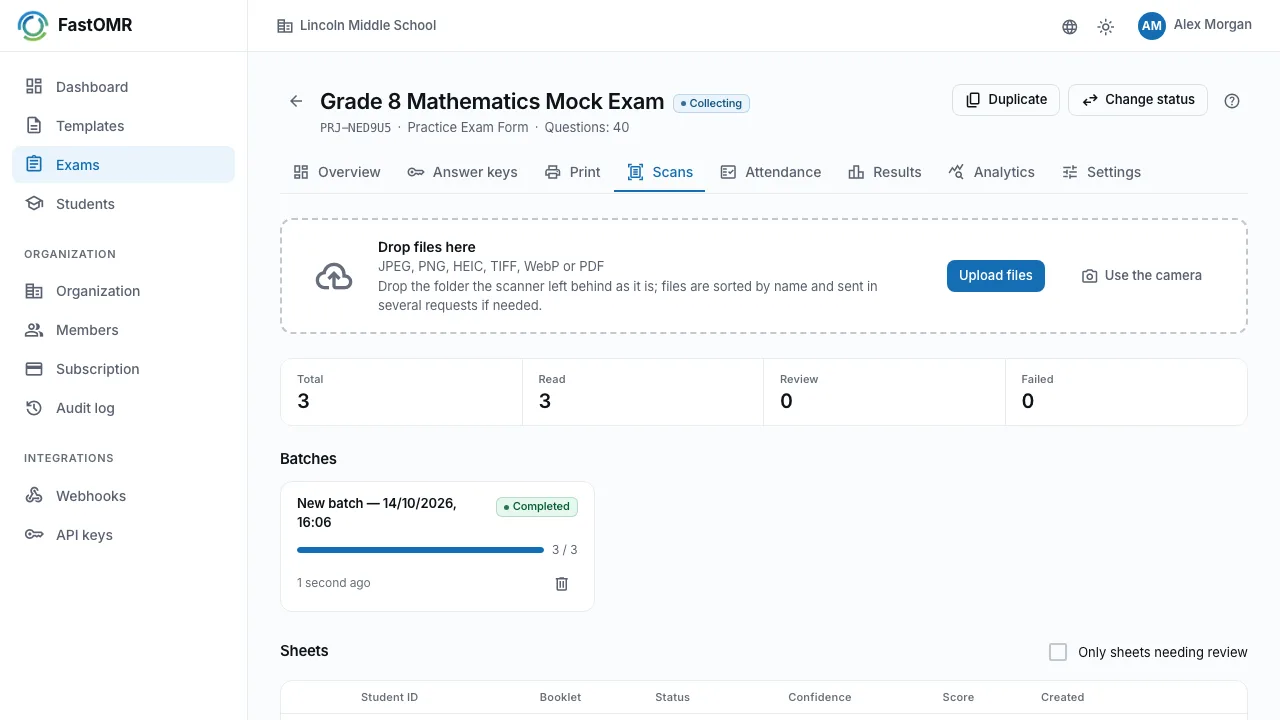
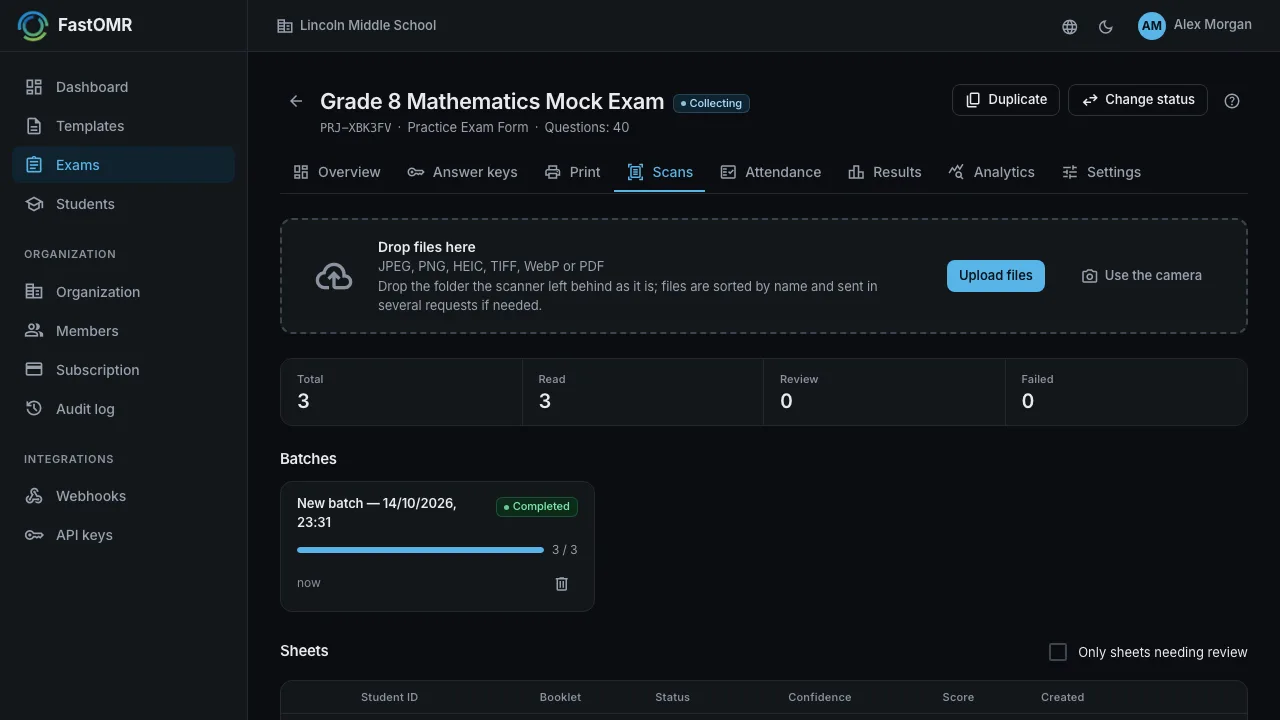
Reads scans, PDFs and phone photos
The reader copes with imperfect papers: crooked feeding, shadows, faint pencil, photos taken at an angle and resolutions down to 100 DPI.
- Straightened automatically: corner marks found, rotation, skew and a camera’s perspective corrected, upside-down pages turned.
- Whole stacks: a scanner’s multi-page PDF, or a folder of JPEG, PNG, TIFF and WebP files, in one upload — up to 1,000 pages on Enterprise.
- Sheets that belong together: a two-page form is read as one candidate’s sheet, page after page.
04 · Review
A person checks what the paper does not make clear
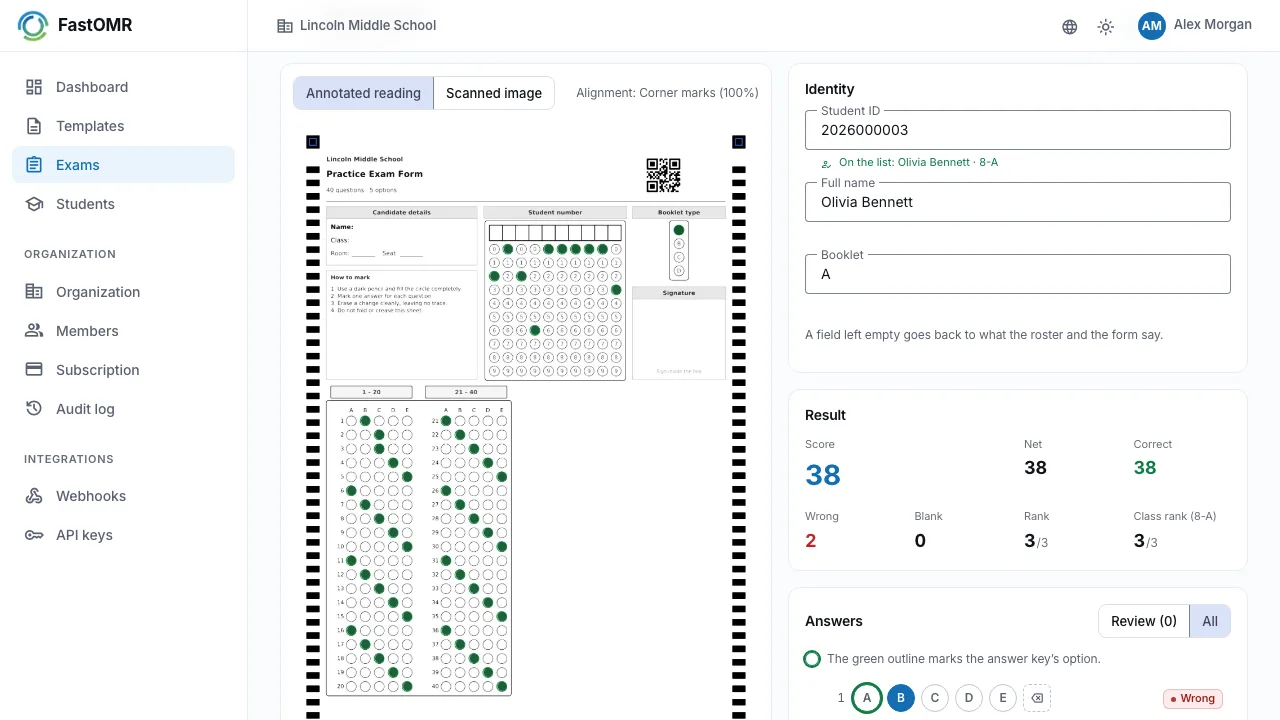
Erased marks, double marks and faint ticks are never guessed. They wait on the review screen, the scan beside them, for a teacher to settle in a click.
- Why it waits: every sheet in review says what the reader was unsure of.
- From one sheet to the next: settling one opens the next, until the batch is done.
- Kept with the sheet: who changed which answer, and when, is in the audit log.
05 · Keys and scoring
Booklets A to D and your own scoring rule
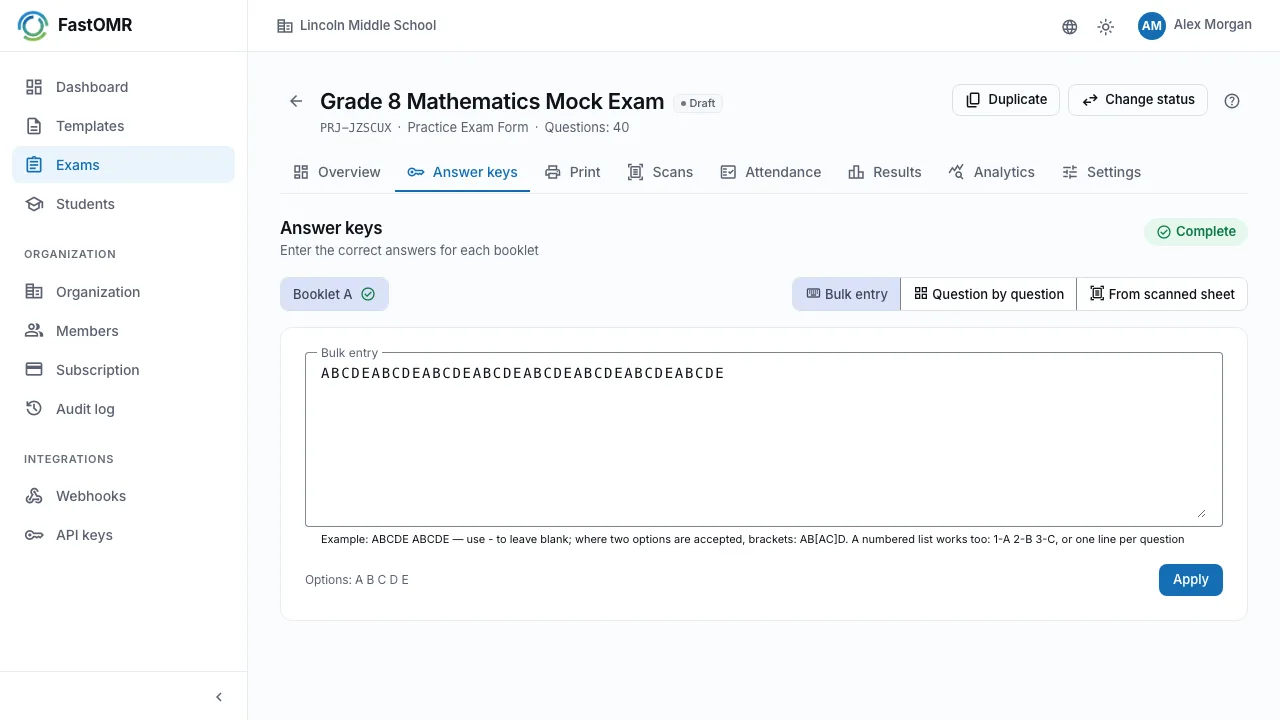
From a weekly quiz to a national entrance mock: each booklet with its own key, the questions in its own order, and a rule for wrong answers.
- Shuffled booklets: each booklet’s question order ties every row back to the exam’s question, so item analysis and subjects stay right.
- Net scores: correct − wrong ÷ 4, or ÷ 3, or no penalty; points per correct answer, and a weight for every subject.
- Appeals: cancel a faulty question (everyone gets it) or accept a second option; the results are worked out again.
- A pass mark: per exam, applied the same way to every candidate.
06 · Results and analysis
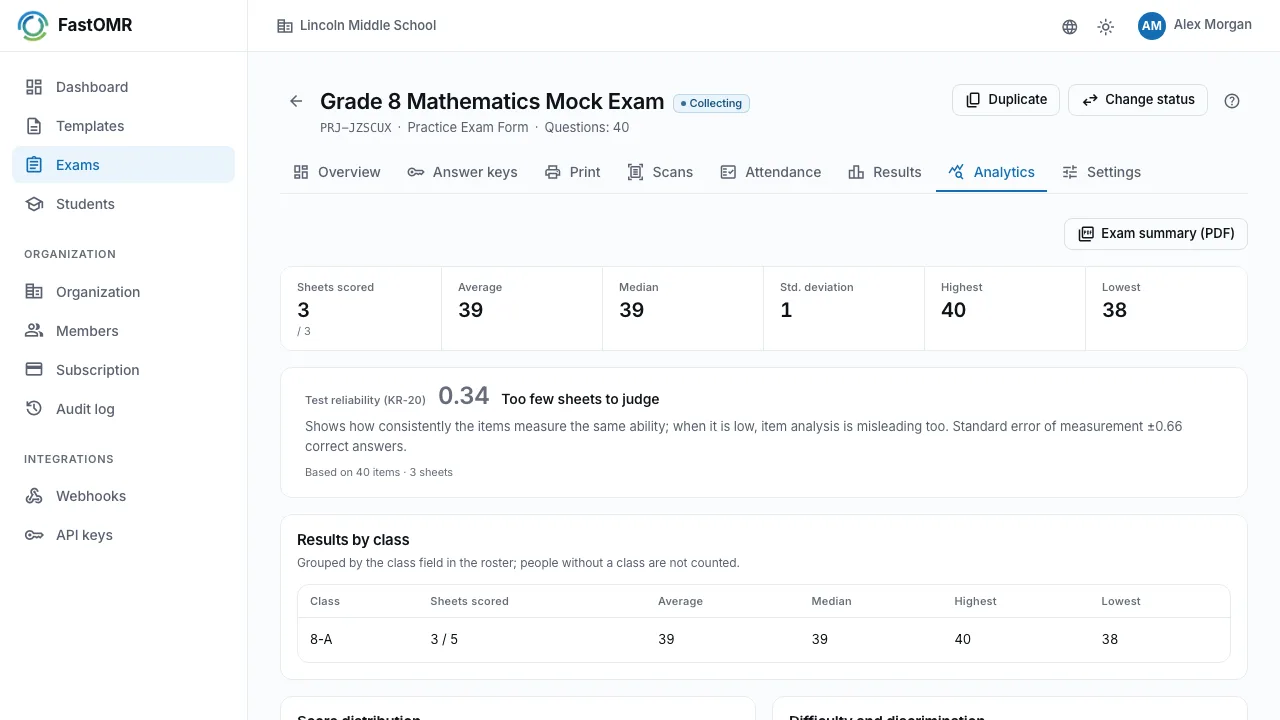
KR-20 reliability and item discrimination
See how the exam itself did before the grades go out: whether it measured consistently, which questions misled, and which distractors nobody chose.
- KR-20: the test’s reliability and the standard error of measurement.
- Difficulty and discrimination: the share who answered each question right, and the gap between the top and bottom 27%.
- Learning outcomes: tag questions with outcomes and see each class’s mastery at a glance.
- Every exam a student sat: one page per student with each exam’s score and rank and their outcomes over time.
07 · Integrations
A REST API and signed webhooks
Take results into a records system, a learning platform or your own pipeline, as soon as they are read.
- Scoped API keys: read or write, for the resources you choose, with an expiry date.
- OpenAPI 3.0: a description of every endpoint, ready for a client generator in the language you use.
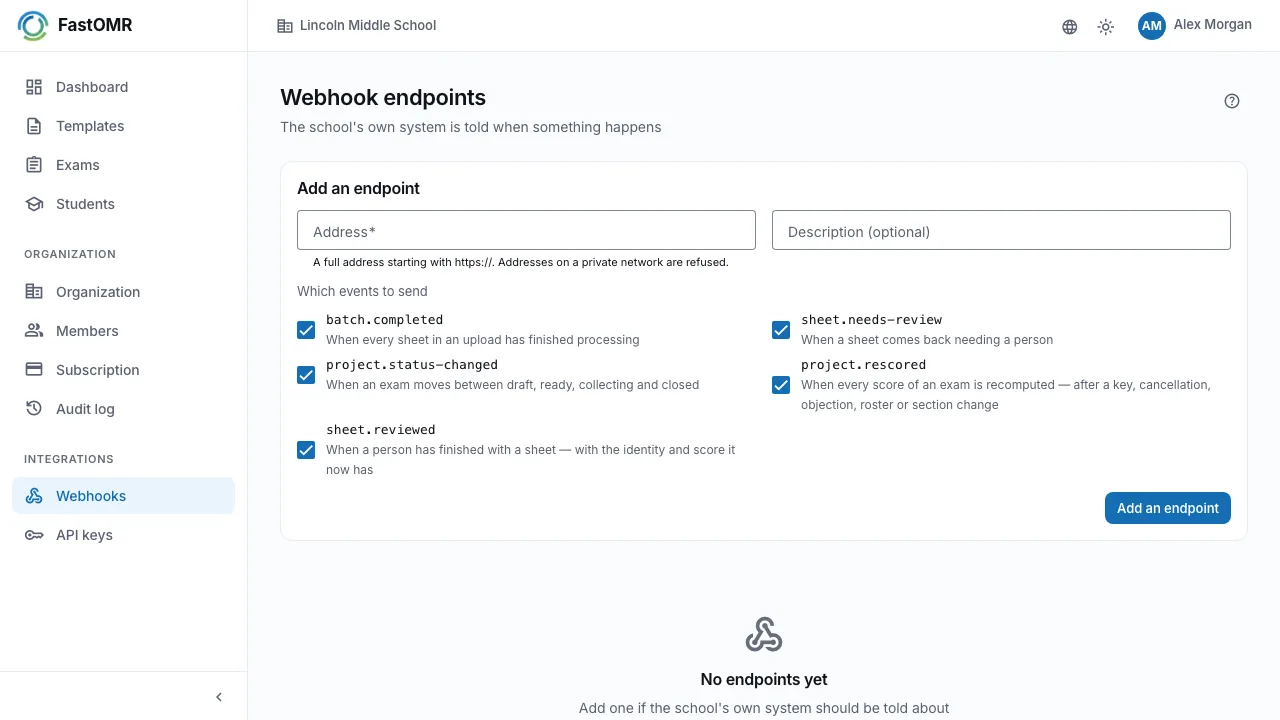
- HMAC-SHA256 webhooks: when a batch is read, when a sheet needs review, when results are recomputed.
The developer pages are at app.fastomr.com/en/developers.
At a glance
What FastOMR handles
The short version of everything above.
| Area | What it does |
|---|---|
| Paper | A4, A3, A5, Letter, Legal or your own size; ordinary 80 g copy paper |
| Fields | Answer blocks, student number, booklet, survey scales, text, images, QR codes and barcodes |
| Upload formats | PDF, JPEG, PNG, TIFF and WebP; multi-page PDFs and TIFFs |
| Booklets | A to D, each with its own key and question order |
| Scoring | Penalty for wrong answers (÷ 4, ÷ 3 or none), points, subject weights, pass marks, cancelled questions |
| Statistics | KR-20 and SEM, difficulty, discrimination (top and bottom 27%), distractors, learning outcomes |
| Exports | Excel, CSV and JSON results and item analysis; PDF report cards and exam summaries |
| People | Owners, administrators, members and viewers; class lists from a spreadsheet |
| Integrations | REST API with scoped keys, OpenAPI 3.0, HMAC-signed webhooks |
| Languages | English, Turkish, Spanish, Portuguese, French, German and Arabic (right to left) |
Measured with every change
A 40-question form is read under thirteen hard conditions — skewed, faint, dark, scanned at 100 DPI, photographed at an angle — and all 40 answers have to come out right each time.
See it on your own exam
Write to us and we open your organization’s account — on the free plan, which reads 50 sheets a month, or on the plan that suits it.